
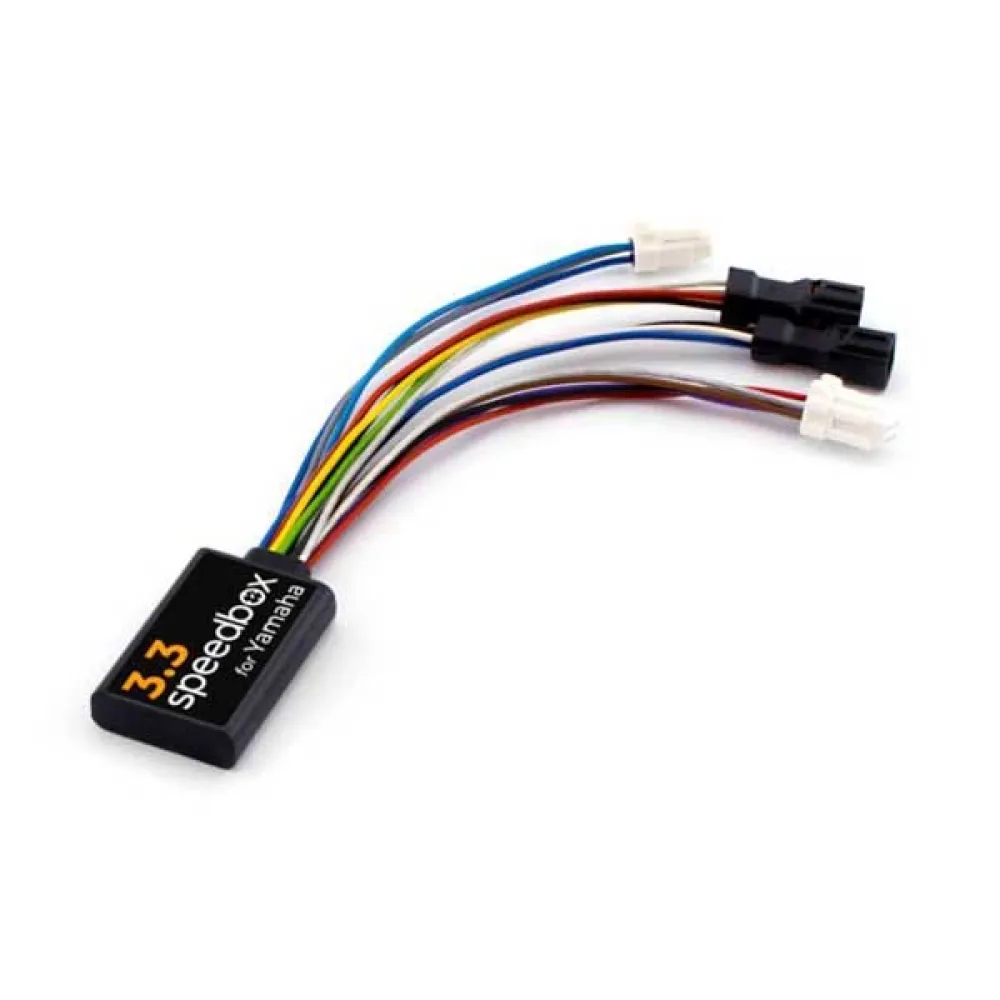
Description
How does SpeedBox 3.3 work:
– You can activate the SpeedBox 3.3 chip on the e-bike´s display. After pressing the LIGHT or ↑↓↑↓ button, the display will briefly show 9.9 km/h (6.2 mph), and from that moment on, you are no longer limited. On displays that don´t show decimal numbers, the value 9 km/h will be shown.
– To turn off the chip, press the LIGHT or ↑↓↑↓ button again. The display will show 2.5 km/h (1.6 mph), and the 25 km/h speed limit will turn back on. The e-bike will operate as it did before the chip was installed. Displays that don´t show decimal points will show 2 km/h.
– We´re also prepared for e-bikes that don´t have a classic control panel with a LIGHT button. In this case, simply use the + – + – button combination to activate SpeedBox. You can also deactivate it in the same way.
– To set the maximum speed, you can change modes three levels down and then three levels up. The current speed limit will then be displayed. To change the maximum speed (always rounded up to 5 km/h), briefly press the LIGHT button or turn the wheel 360°. The last displayed limit is saved after five seconds of inactivity.
Specifications:
Parameters:
– Activation via: Light / ↑↓↑↓ button
– Maximum speed: Unlimited speed
– Speed limit setting: Yes
– Data on screen: Actual values
Compatible with engines:
– PW-X3
– PW-S2
Now also compatible with electric bikes:
– Yamaha YDX-Moro 05
– Yamaha Moro 07
– Booster Easy (Can only be activated using the ↑↓↑↓ buttons)
Mounting:
– To connect the SpeedBox chip to an e-bike, we use colored connectors equipped with a key for proper connection, making the chip really easy to install. You can download instructions or watch videos that will guide you through installing the SpeedBox. Removing the chip is as easy as installing it. If you have any connection issues, please don´t hesitate to contact us.
– If you want a SpeedBox on a new bike, you must first ride at least 10 kilometers.
Reviews
There are no reviews yet.